


FollowMyHealth
Patient Support Information
The easiest way for our patients to connect with their healthcare team is through FollowMyHealth
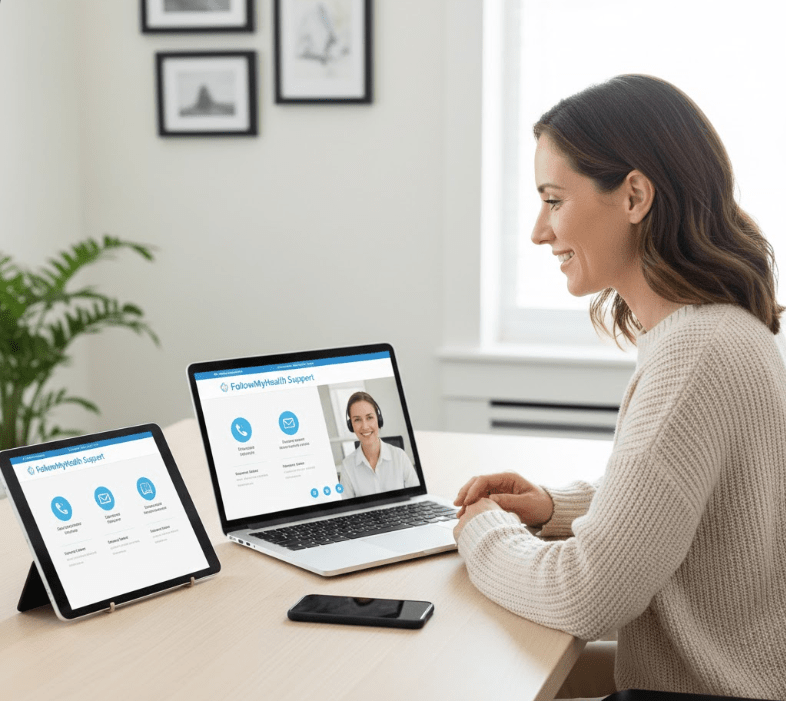
Patient Support
We’re here to help! Find all the support options below to get assistance with FollowMyHealth
Hotline
📞 Support Hotline: (888) 670-9775
Email Support
✉️ Email: patientsupport@followmyhealth.com
Knowledge Base
🔗 Access our Knowledge Base: support.followmyhealth.com
Hours of Service
🕒 Monday – Friday, 8:00 AM – 8:00 PM EST
Offices closed on U.S. National Holidays
Why Use FollowMyHealth?
We’re here to help you take control of your healthcare. Here’s why you should use FollowMyHealth:
✅ Check your personal record anywhere, anytime, using a computer or mobile device.
✅ Take a more active role in your healthcare.
✅ Save time with online communication and scheduling tools.
✅ Manage your entire family’s healthcare in one spot.
Already Have a FollowMyHealth Account?
If you already have an account:
- Click the link in your invitation email and select “Sign in and add this connection.”
- This will keep all of your health information in one place.
Getting Started with FollowMyHealth
Follow these simple steps to register and start using your portal:
Verify Your Email – Make sure we have your correct email address to send you an invitation.
Click the Registration Link – Check the email from noreply@followmyhealth.com and click the registration link.
Create Your Portal Login – Use a unique username and password to set up your account.
Enter Your Invitation Code – Input the invitation code provided by us and follow the on-screen prompts to complete registration.
⚠️ Important Note:
If you have not received an email invitation to join FollowMyHealth, please contact Customer Support by sending an email or calling the Support Hotline.